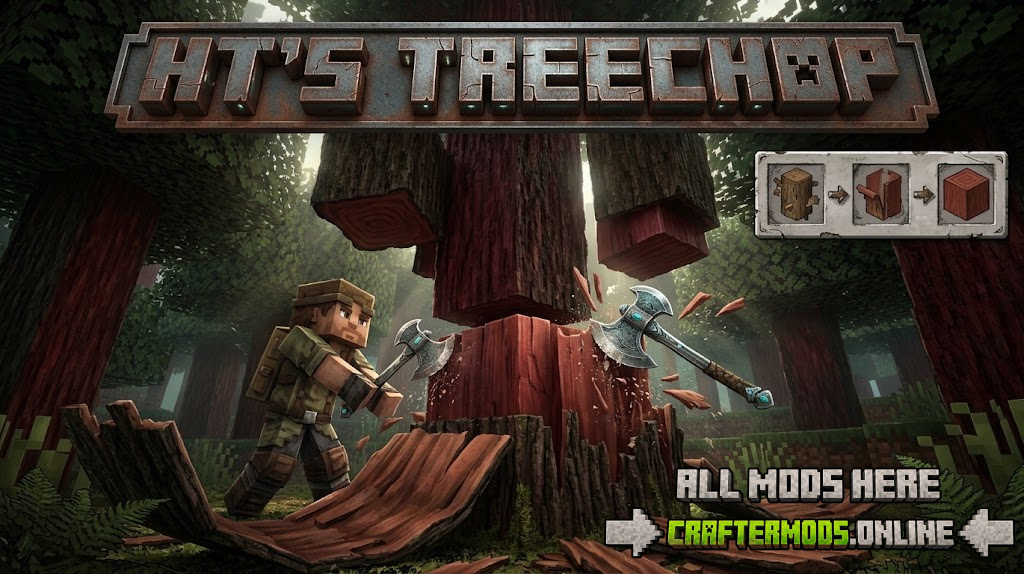
Anyone who has ever stood next to a ten-block-tall oak in Minecraft, breaking log after log by hand, knows the problem: vanilla tree-felling is tedious and disconnected from how a real tree would fall. HT’s TreeChop fixes this with a simple but clever mechanic — repeatedly break a single log block, and once enough hits land, the entire tree comes down at once. It’s directly inspired by classic mods like Treecapitator, but built around a scaling system designed to keep the experience balanced instead of turning every tree into a one-hit clear.
Rather than instantly deleting a tree with a single swing, TreeChop asks a more interesting question: how many chops should a tree of a given size take? The answer is handled by a logarithmic scaling formula, meaning small trees fall quickly while massive trees take real, sustained effort — and can even be tackled as a group project with friends.
How It Works
- No axe is required to chop trees, though using one significantly speeds up the process.
- Every log block you break on the same tree contributes toward that tree’s total chop count — you don’t need to hit the exact same block repeatedly.
- Once the tree’s chop threshold is reached, the entire connected structure falls at once.
- Multiple players can chop the same tree together, splitting the work on larger trees.
- Holding sneak while breaking a log block bypasses TreeChop entirely and breaks that single block the normal, vanilla way — useful for precise building or partial harvesting.
Chop Requirements Scale With Tree Size
The core design goal of TreeChop is to avoid two extremes: trees that take forever to fell, and trees that fall from a single hit regardless of size. To do this, the number of chops required is calculated logarithmically based on the total number of log blocks in the tree. Bigger trees need more total chops overall, but fewer chops per individual block — which is what allows massive trees to still feel manageable.
| Tree Blocks | Chops Required |
|---|---|
| 1 | 1 |
| 3 | 3 |
| 5 | 4 |
| 10 | 7 |
| 20 | 12 |
| 50 | 19 |
| 100 | 25 |
These numbers reflect the default logarithmic scaling, but they aren’t fixed. The mod’s configuration allows this scaling to be changed to a linear formula instead — for example, requiring exactly one chop per log block for a fully vanilla-like pace, or requiring just one chop per entire tree for maximum speed. Server owners and pack developers can tune this to match the difficulty and pacing they want for their world.
Standout Features
Doesn’t Feel Like Cheating
Because chop counts scale with tree size instead of instantly clearing everything, TreeChop is designed to feel like a natural quality-of-life improvement rather than a way to bypass Minecraft’s resource-gathering balance.
Won’t Flood Your Game With Noise
Felling a large tree doesn’t spam sound effects or visual clutter — the mod keeps big chops feeling clean and unobtrusive, even when a hundred-block tree comes down at once.
Works on Mushrooms and Fungi
Huge mushrooms and Nether fungi structures are treated the same way as trees, meaning you can fell giant mushroom blocks or warped/crimson fungi with the same chop-scaling mechanic instead of manually breaking them block by block.
Smart Leaf Handling
When a tree falls, TreeChop intelligently breaks the surrounding leaves along with it, avoiding the awkward floating leaf clusters that vanilla tree removal often leaves behind.
Broad Modded Tree Compatibility
TreeChop is built to recognize and correctly process trees added by most other mods, not just vanilla Minecraft trees, making it a solid pick for larger modpacks with custom flora.
Companion Mods Worth Checking Out
- HT’s TreePlant — makes saplings plant themselves automatically, pairing naturally with TreeChop’s fast-felling workflow.
- Jade plugin (1.18.2 only) — adds TreeChop-specific information to the Jade tooltip overlay.
- WTHIT plugin (1.18.2 only) — provides the same kind of integration for players using WTHIT instead of Jade.
Fabric Users: One Required Dependency
If you’re running TreeChop on Fabric, you’ll also need to install the Forge Config API Port. Without it, the mod’s configuration system won’t function correctly on Fabric installations. This isn’t required on Forge, where the config system is already built in.
Frequently Asked Questions
Do I need an axe to chop trees with this mod?
No. Trees can be chopped down with any tool or even by hand, though an axe will noticeably speed up the process.
Can I break just one log without felling the whole tree?
Yes — hold sneak while breaking a log block and it will break normally, exactly like vanilla Minecraft, without triggering the chop-counting system.
Will giant trees feel unbalanced or overpowered?
By default, no. The logarithmic scaling formula is specifically designed so large trees still require substantial total effort, even though each individual block takes fewer hits.
Can I change how chop counts are calculated?
Yes. The mod’s configuration lets you switch from logarithmic scaling to linear scaling, including options like one chop per block or one chop per entire tree.
Does this mod work with modded trees?
Yes, TreeChop is built for broad compatibility and works correctly with the vast majority of trees added by other mods.
Do I need anything extra to run this on Fabric?
Yes — Fabric installations require the Forge Config API Port to be installed alongside TreeChop for the mod’s configuration to work.
No more standing next to a tree, breaking block after block by hand. Install HT’s TreeChop and let your axe finally do a lumberjack’s job.